Fog of Dota
Fog on your phone
An app for iPhone and Android, in testing.
Become a testerIt's free. Or use it in your browser today.
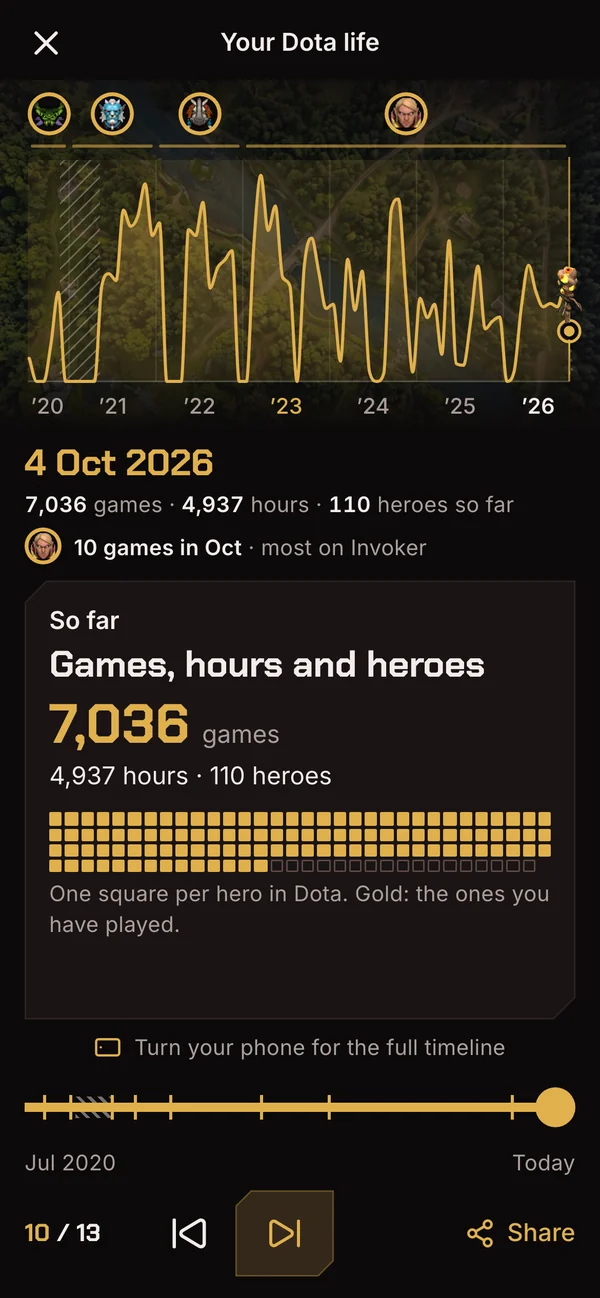
Your whole Dota life, played back
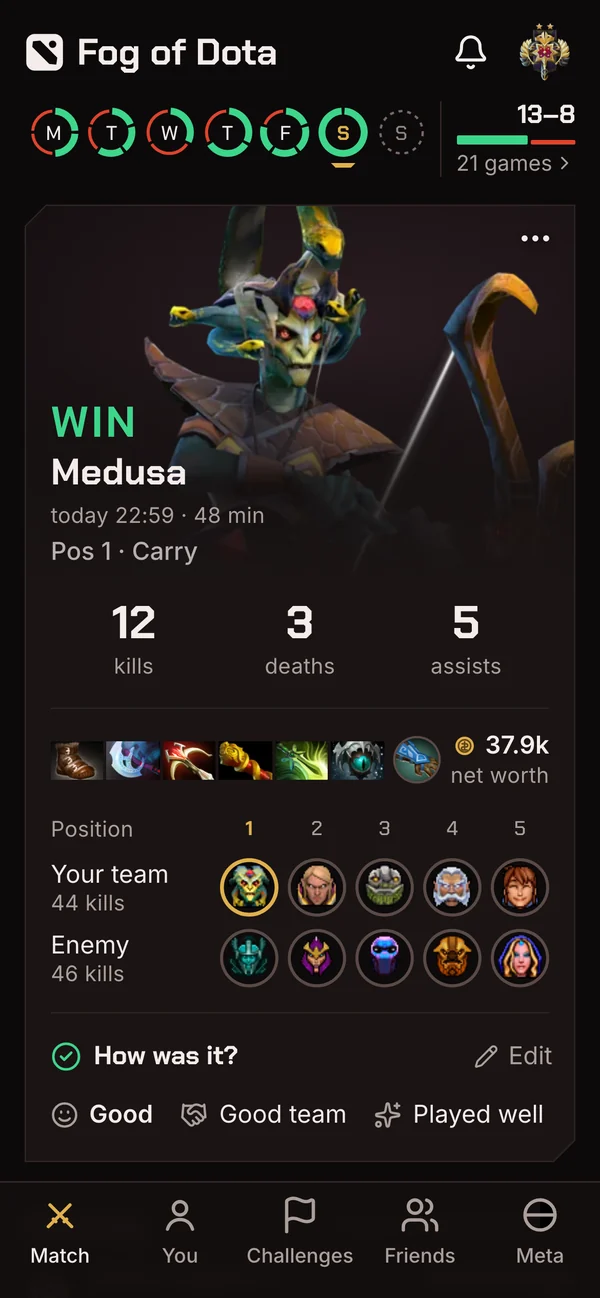
Your last game, ready to tag
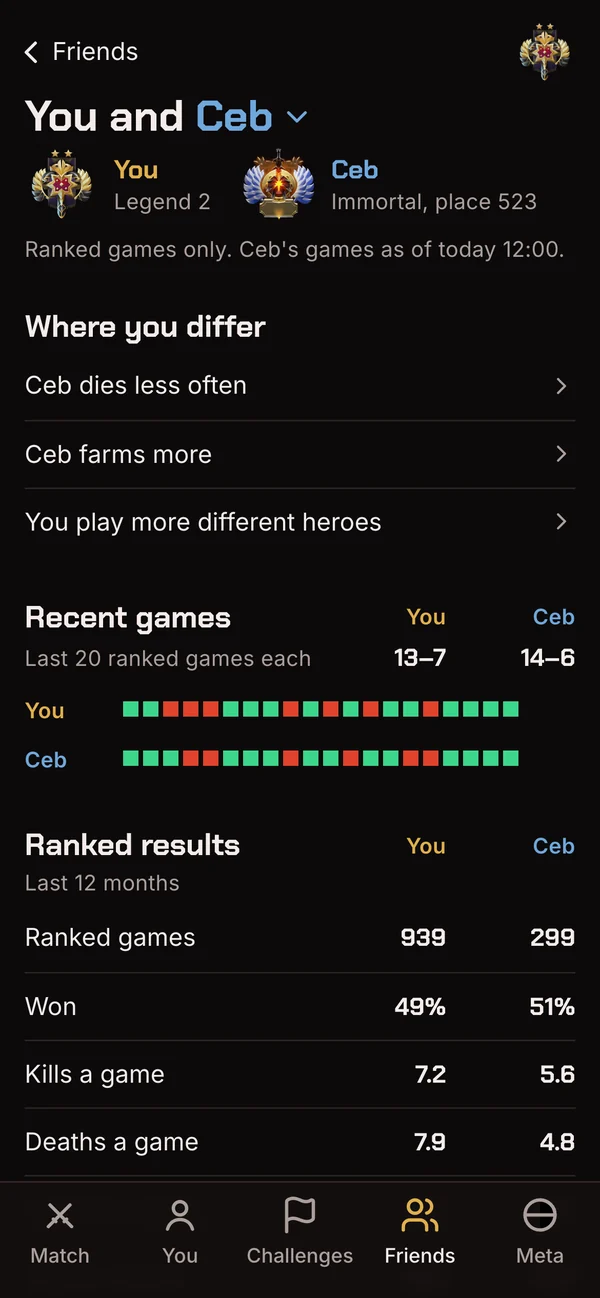
Compare with any player, even a pro
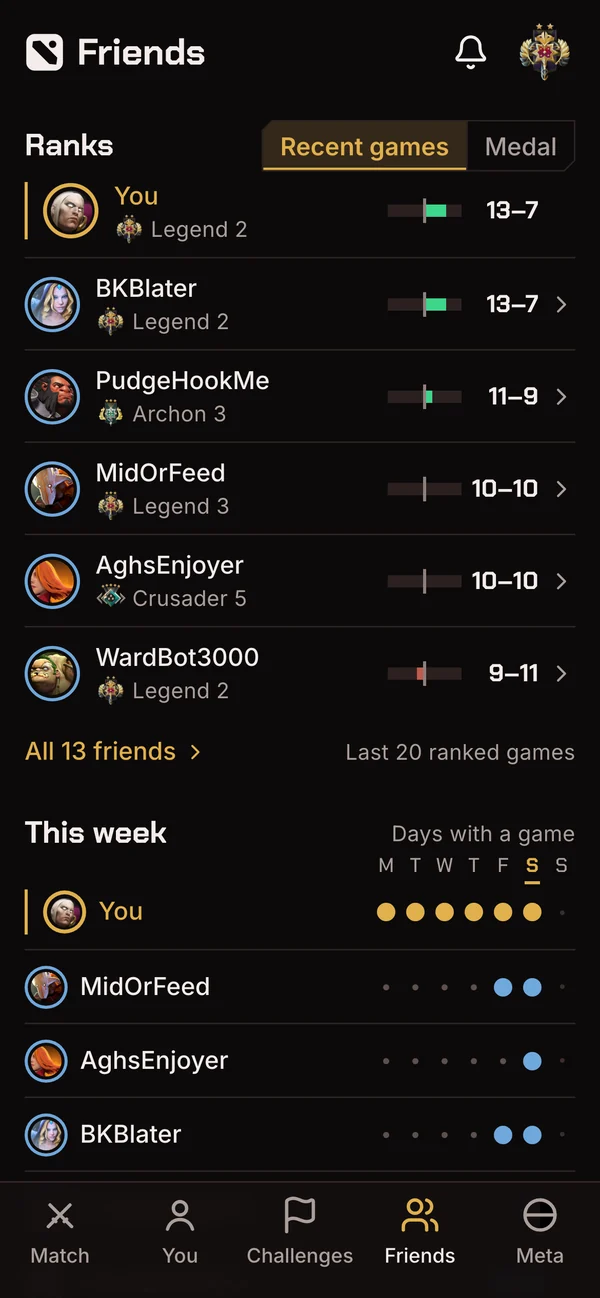
How your friends are doing
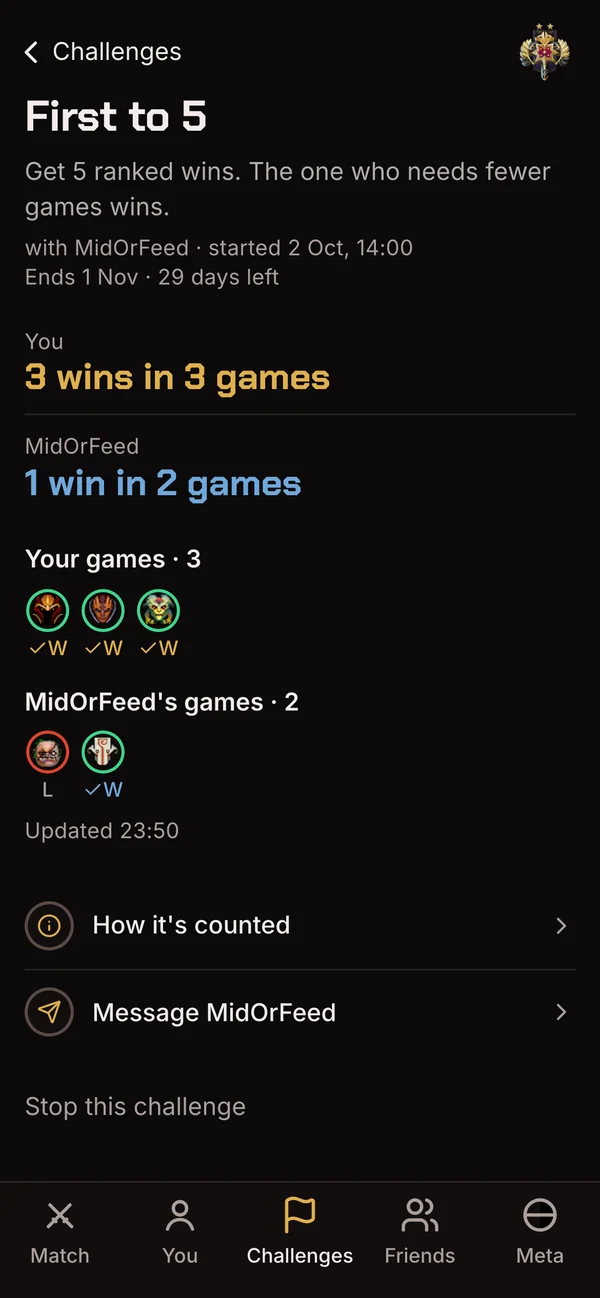
First to 5 wins against a friend
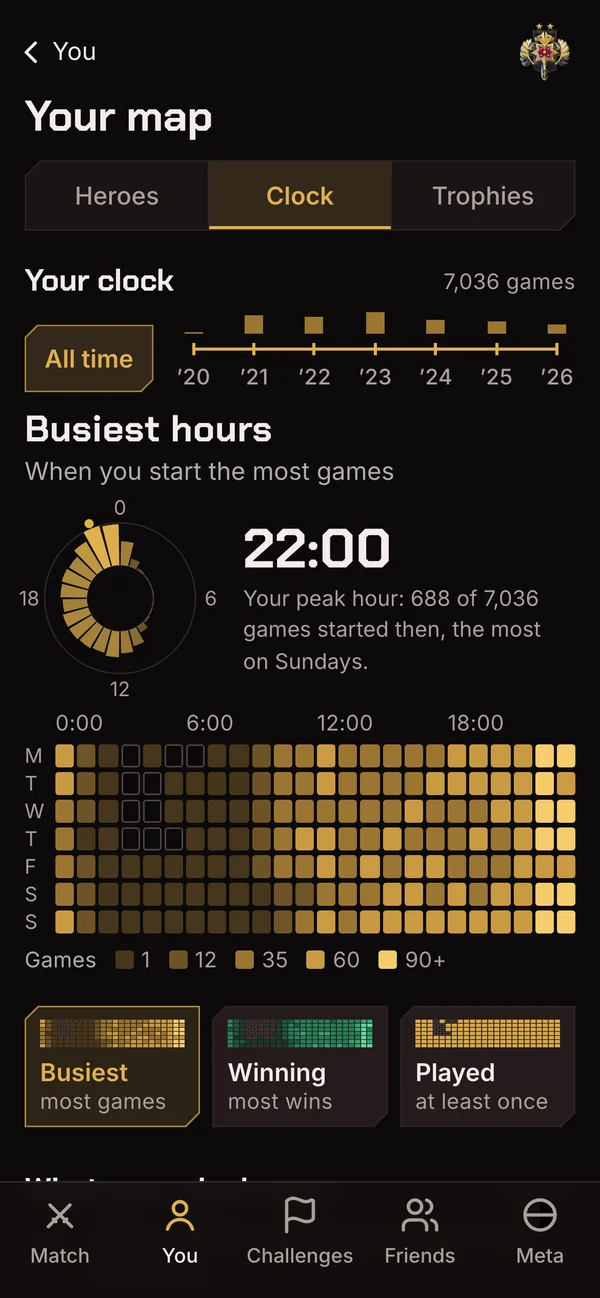
When you play, hour by hour
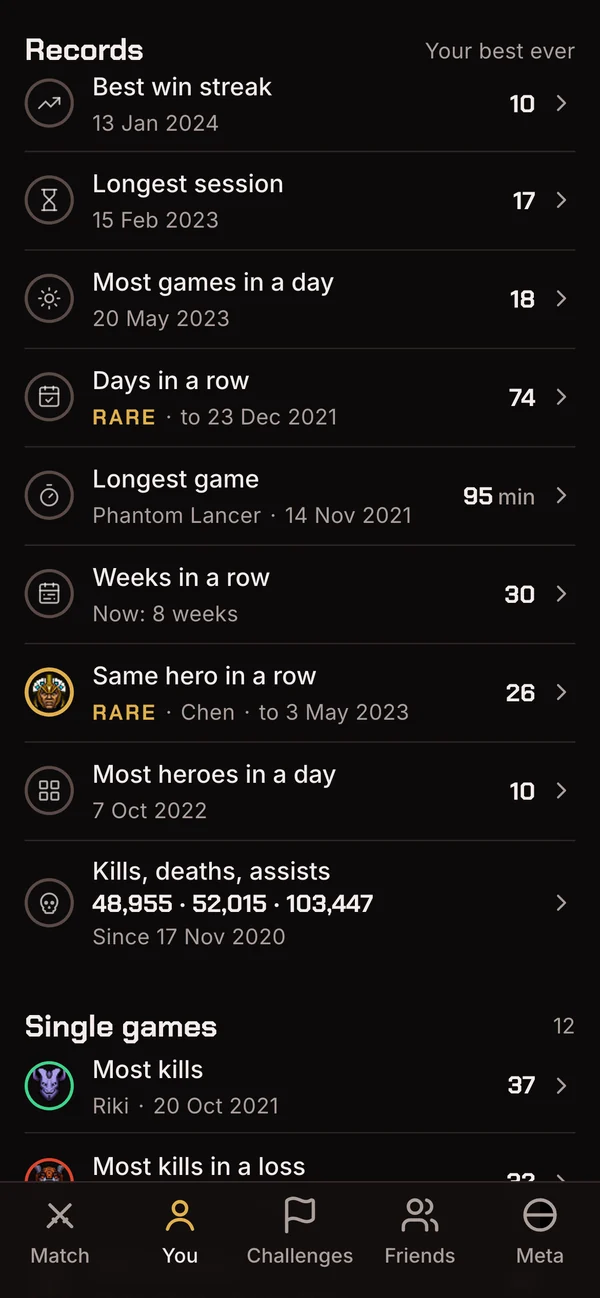
Your records
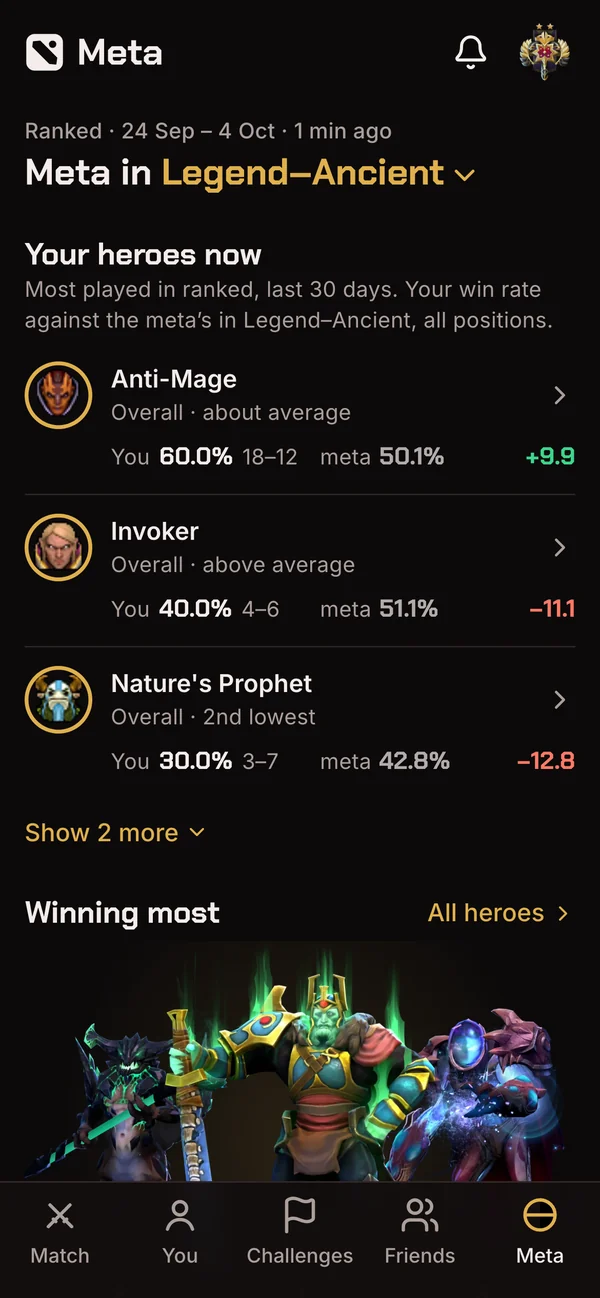
Your heroes in today's meta
On iPhone, Friends, comparing and duels come in a later version. Until then they're in the browser.
After you play
Turn on notifications after every session, and about an hour and a half after your last game the app tells you how it went. A tap opens the game, ready to tag.
Back from 0–2now
4 won, 2 lost.
In your browser today
Nothing to install: open fogofdota.com on your phone. Add it to your Home Screen and it opens like an app.
iPhoneIn Safari, tap Share, then Add to Home Screen. No Share button? It's in the menu next to the address. On iPhone, notifications come only to Fog on your Home Screen.
AndroidIn Chrome, tap the menu, then Install and create shortcut, then Install.